
Bloomberg Connects for cultural institutions
Bloomberg Connects provides guides created with museums, galleries, gardens and other cultural organizations. Search for your destination before installing it for a particular visit.
Look through the available audio, images and explanatory material, then choose a few subjects that interest you. A guide can add context to an object without requiring you to follow every stop in order.
Confirm which content is available for your chosen venue and whether it can be downloaded. A guide listing does not establish that every gallery is open or that admission is included.
The NPS App for US national parks
The official National Park Service app includes park maps, tours and accessibility information. Download the relevant park content before leaving a reliable connection and check what remains available offline.
Use current park notices for closures and conditions. A saved map is a useful reference, but an older download cannot tell you about every change since it was saved.
Carry the navigation and supplies appropriate to the activity. A phone app is not a reason to ignore signs, closures or the limits of your battery.
Rick Steves Audio Europe for self-guided walks
Rick Steves Audio Europe organizes walking tours and travel audio by destination. Check that the places on your itinerary are covered and download the relevant material ahead of time.
Read any updates attached to the tour. A recorded description may outlast a changed entrance, ticket arrangement or exhibition. Use the venue's own information for those practical details.
Pause before crossing a road or entering a crowded area. You can enjoy a commentary without letting its pace dictate how quickly you move.
Google Arts & Culture for advance exploration
Google Arts & Culture's Museum Views offers virtual visits to museums and heritage sites. It can help you decide what interests you before a physical trip or explore a place you cannot currently visit.
Treat the images as cultural material rather than a live view of access conditions. A virtual gallery does not establish today's exhibition layout, accessible entrance or opening hours.
Make a short list of works or spaces you would like to see. That can give a large museum visit some direction without turning it into a checklist race.
izi.TRAVEL for city and museum audio guides
The izi.TRAVEL app offers audio guides for cities, museums and other attractions. Check the individual guide's publisher, language and route before relying on it. Content and charges can vary between tours.
Compare the guide with the trip you are actually taking. Preview a stop, check download options and confirm that the starting point is practical. Our travel-app checklist covers maps and itinerary tools for the wider journey.
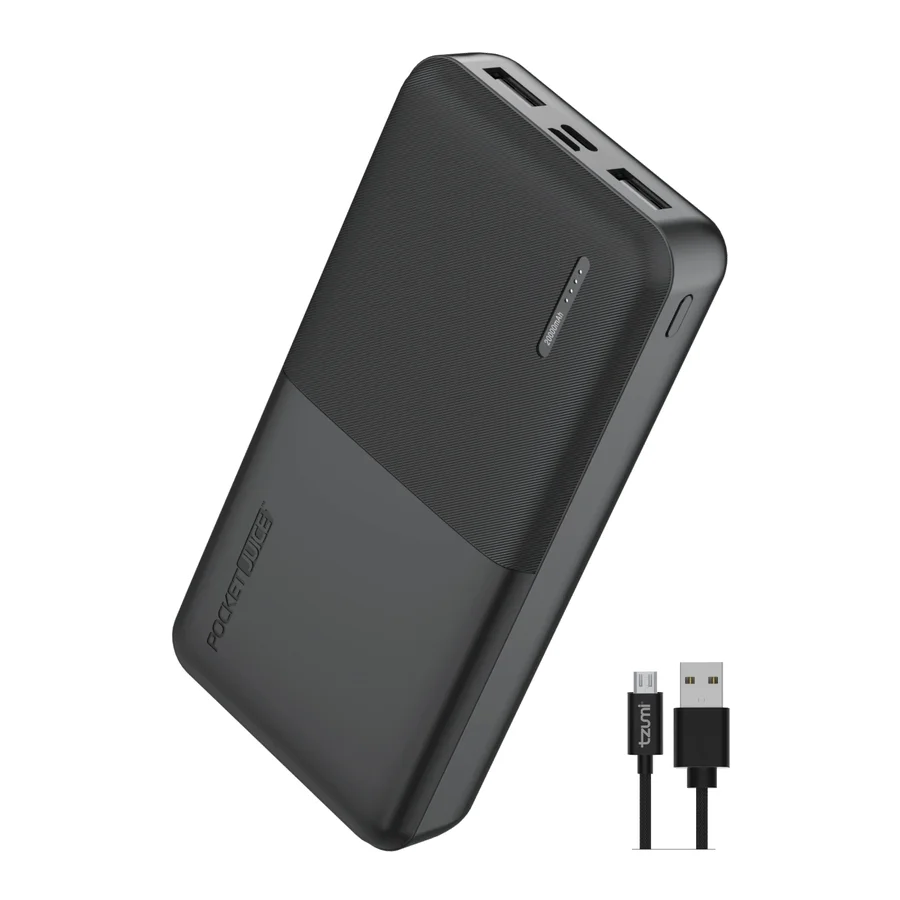
Test your headphones at a comfortable level and keep enough awareness of your surroundings to follow local instructions. If you need extra charging capacity, check the connections and airline rules before choosing from our portable-battery comparison.
Choose the place before the app
Start with the city, park or museum you plan to visit. Search the destination’s own site for opening hours, tickets, accessibility and closures, then decide what an app could add. An audio guide, map and collection catalogue answer different questions. A highly rated app with no content for your destination is not a useful download. Try one or two services tied to the itinerary rather than filling a phone with every travel tool. Save the venue’s address and official contact separately, so you can still find practical information when an app is slow or unavailable.
Check the source of a guide
A museum-created guide, a tour operator’s commentary and a crowd-edited map provide different kinds of information. Bloomberg Connects says it works with cultural institutions on digital guides; verify that the venue you want is included and what it has published. For a national park, the NPS App guide describes official park maps, tours and downloadable content. Use the authority responsible for the place for current access rules. A third-party description can add context, but it should not override a closure notice or safety instruction.
Download only what you need
Before leaving a reliable connection, download the specific park, audio tour or map area for the day. The NPS says park content can be saved offline through its app, while Rick Steves’ Audio Europe page explains downloading audio before a walk. Check that the file actually opens in airplane mode, and keep enough storage and battery for photographs and calls. Offline content can become outdated; reconnect and check current notices before travel when possible. A saved guide is a fallback, not a live operations feed.
Plan for accessibility and pacing
Look for captioned audio, readable text, step-free route information and a way to pause without losing your place. A walking tour may assume a particular pace or entrance. Compare it with the venue’s current access information and the needs of everyone in your group. Headphones can make commentary clearer in a busy area, but leave enough awareness for traffic, signs and other visitors. If the app requires holding a phone up continuously, it may be tiring or distracting. A good guide lets you look at the place more often than at the screen.
Respect the visit itself
Use an app to deepen attention, not to turn every stop into a task. Choose a few objects or locations that interest you and allow time for unexpected discoveries. Follow photography and recording rules at the venue. In a park, stay on permitted routes and obey signs even if a map line suggests otherwise. Do not cross a street while reading a tour transcript. Rick Steves’ app support page notes that software and device compatibility can change; keep a simple alternate plan such as a printed map or official visitor desk.
Compare costs and permissions
Some guides are free to download but admission, data service or premium tours may cost extra. Check the current price and whether the app needs an account, location access or notifications. Grant only permissions needed for the feature you intend to use. If you buy a tour, read refund and device-transfer terms before travel. An app claiming to cover a museum does not establish that the entrance ticket is included. Keep tickets and reservation numbers separately. The practical cost of a sightseeing tool also includes the time to set it up and the risk of losing access on the day.
Recheck the itinerary on arrival
Open the official venue or park notice on the day of the visit. Confirm entrances, hours, closures and any timed ticket. Then open the downloaded guide and test the first stop. If the route no longer matches, adapt rather than following an old path blindly. Review afterward which app actually helped and remove the rest. A small, tested collection is easier to use on a crowded day than a list of highly rated downloads. The best sightseeing app is the one that provides accurate context for this place, on this visit, with a usable backup. Keep a note of the guide version and the date you checked the venue. That makes it easier to recognize when an old audio route or map needs updating on a future visit.
Check the venue's own information first
Start with the museum, park or attraction's official site. Find its current opening hours, entrance location, booking requirement and any access notice. A third-party app can provide useful commentary but may not reflect a temporary closure or a changed route. If the venue has an official app, compare its map and accessibility information with the alternative you are considering. Save the booking confirmation separately from the guide. This makes the visit less dependent on one account or a mobile connection. For a multi-stop day, repeat this check for the places with timed entry.
Test audio before you travel
Download one sample stop or tour while you have a reliable connection. Check whether the narration is clear through the headphones you intend to use and whether you can pause or skip easily. Look at the language options and whether the transcript or captions meet your needs. A beautifully described tour is less useful when its controls are awkward in a busy gallery. Bring a charged device and consider the effect of GPS, audio playback and screen use on battery life. Keep the volume at a level that lets you remain aware of your surroundings and the venue's instructions.
Build a route with breathing room
Map the stops you genuinely want to see, then allow time to move between them and linger where you are interested. An app's suggested route may be designed to include every highlight rather than to fit your day. Check walking distance, stairs, transport links and a comfortable place to pause. If you are visiting with others, agree on the essential stops and leave room for different interests. A shorter route completed at an enjoyable pace can be more memorable than a long checklist. Save a simple map or note in case the app stops working.
Review permissions after the visit
A sightseeing app may request location, notifications, camera or storage access. Grant only the permissions needed for the feature you plan to use and review them in the phone's settings afterward. If you created an account just for one visit, check what data it retains and whether you want to keep the account. Remove offline downloads you no longer need to free space. Keep a note of any guide worth using again, including its creator and the place it covered. The best collection is small enough to maintain and reliable enough to trust on a future trip.
This article draws on the linked primary sources and practical explanations. It does not report hands-on testing or a personalized assessment.