
The Gadget Nerds / Laptops and desk setups
Laptops and desk setups Choose the whole workflow.
Compare laptop formats and the accessories around them. The supporting articles cover care, fan noise and using an additional display.
Editorial illustration. Browse the collection below.
01 / 11 guides and articles
Guides and articles in this collection
Follow the resource that matches your next decision. Each page explains its own scope and limitations.
Buying guide
Laptops
Compare five Windows and Chromebook laptop offers from HP, Acer, Lenovo and ASUS. Check memory, storage, screen fit and software compatibility.
Buying guide
College laptops
Compare three mapped college laptops from HP, Acer and Lenovo. Check Windows versus ChromeOS, memory, screen size and course-software compatibility.
Buying guide
Chromebooks
Compare three Chromebooks from Acer, ASUS and Lenovo by memory, screen and storage. Check software compatibility and the exact update-support date.
Buying guide
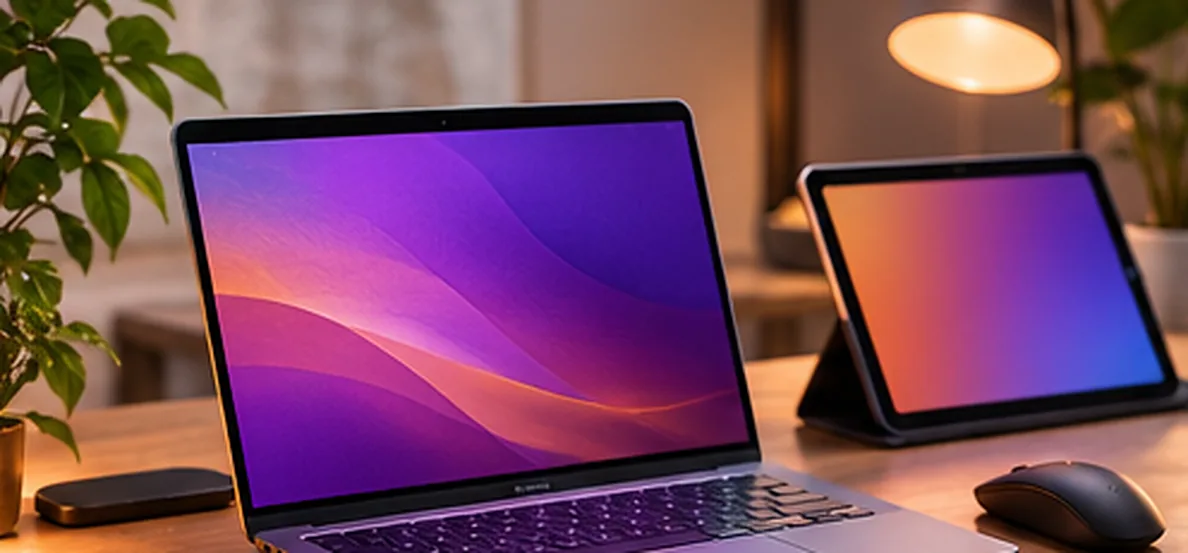
MacBooks
Compare MacBook Neo A18 Pro, 14-inch MacBook Pro M5 and 13-inch MacBook Air M5. See the exact memory, storage and connection differences.
Buying guide
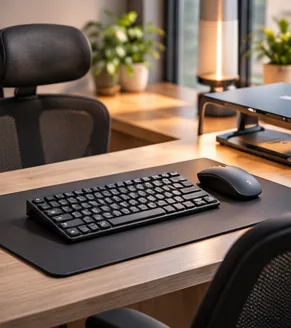
Laptop stands
Compare onn, KEXIN and Incipio laptop stands by adjustment, portability and device fit. Check screen-size claims, support points and finish before buying.
Buying guide
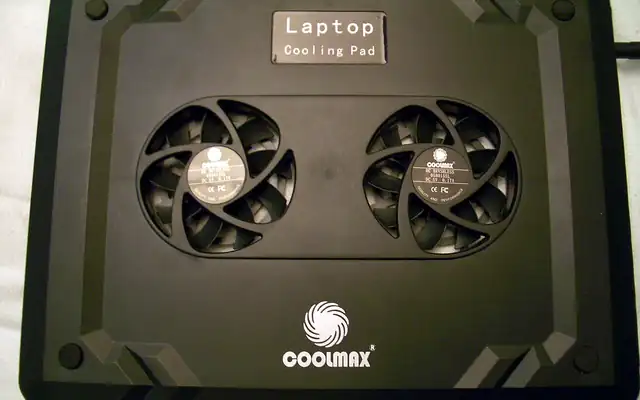
Laptop cooling pads
Compare five laptop cooling pads by fit, fan controls, stand adjustment and USB functions. See listing conflicts and the limits of cooling claims.
Buying guide
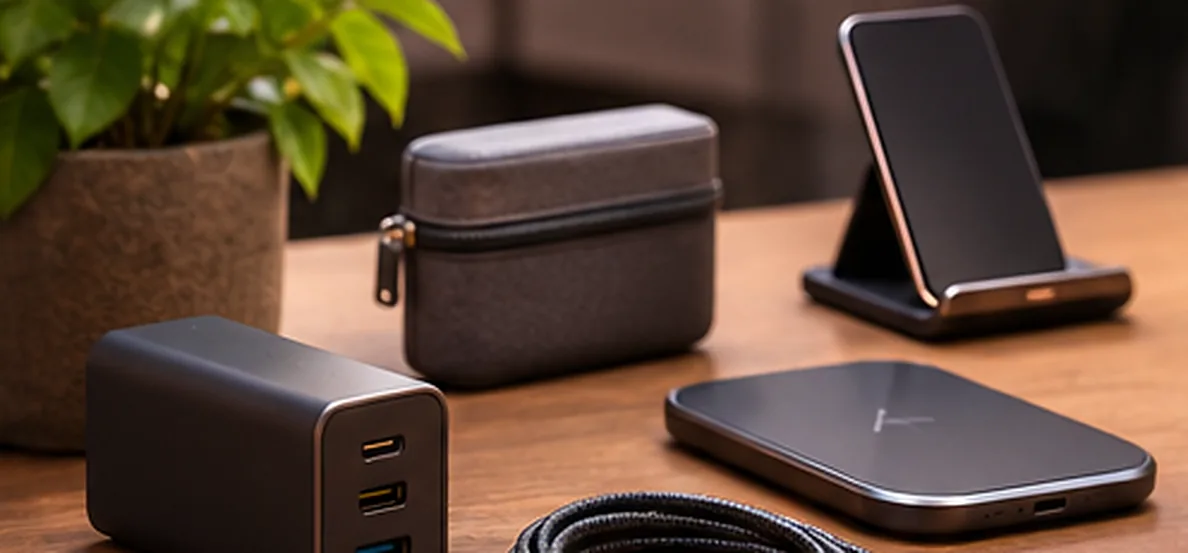
Thunderbolt docks
Compare Dell SD25TB4, Plugable Thunderbolt 4 dual-HDMI dock and Microsoft Surface Thunderbolt 4 docks. Check laptop charging, monitor support and port compatibility.

Practical article
Use a laptop as a second screen
Check whether your laptop can receive a wireless display connection, understand HDMI input limits and choose a practical second-screen setup.

Practical article
Troubleshoot a loud laptop fan
Check workload, airflow and model-specific diagnostics when a laptop fan becomes loud, and recognize when continued use or improvised cleaning is unwise.

Practical article
Clean a laptop keyboard
Clean a laptop keyboard using model-specific guidance. Separate surface cleaning from debris removal, protect openings and know when to stop for service.

Practical article
Clean a laptop screen
Check your display coating and manufacturer instructions before cleaning a laptop screen. Use gentle surface care and avoid spraying liquid into openings.