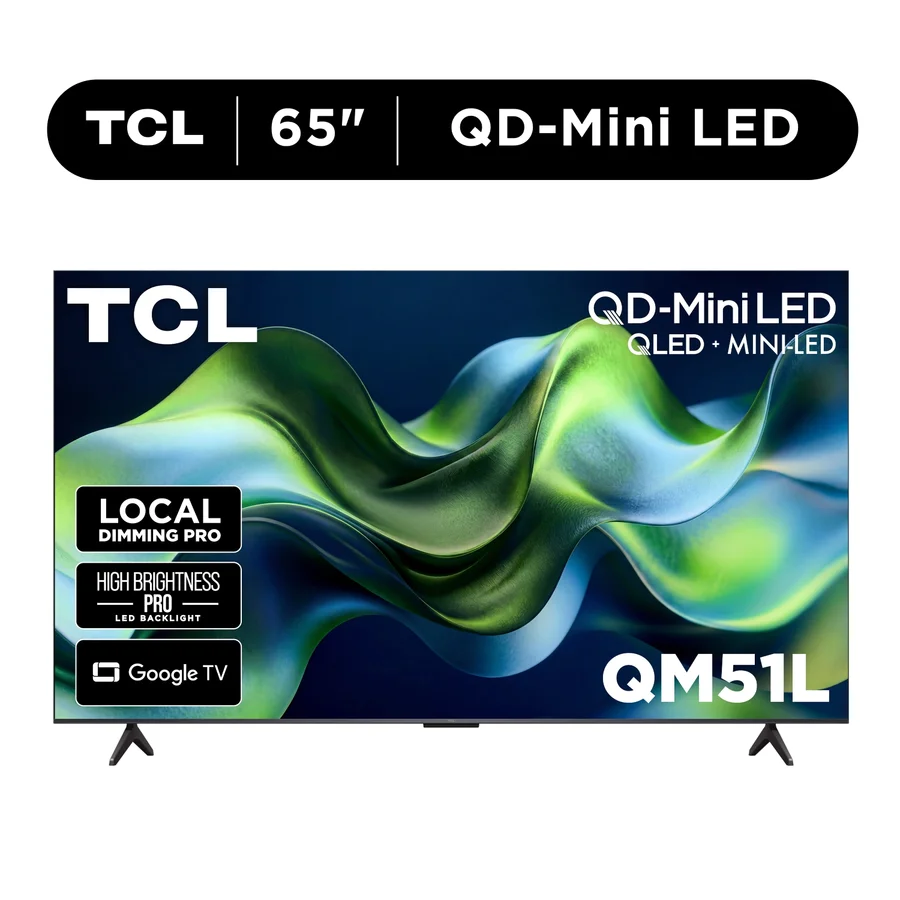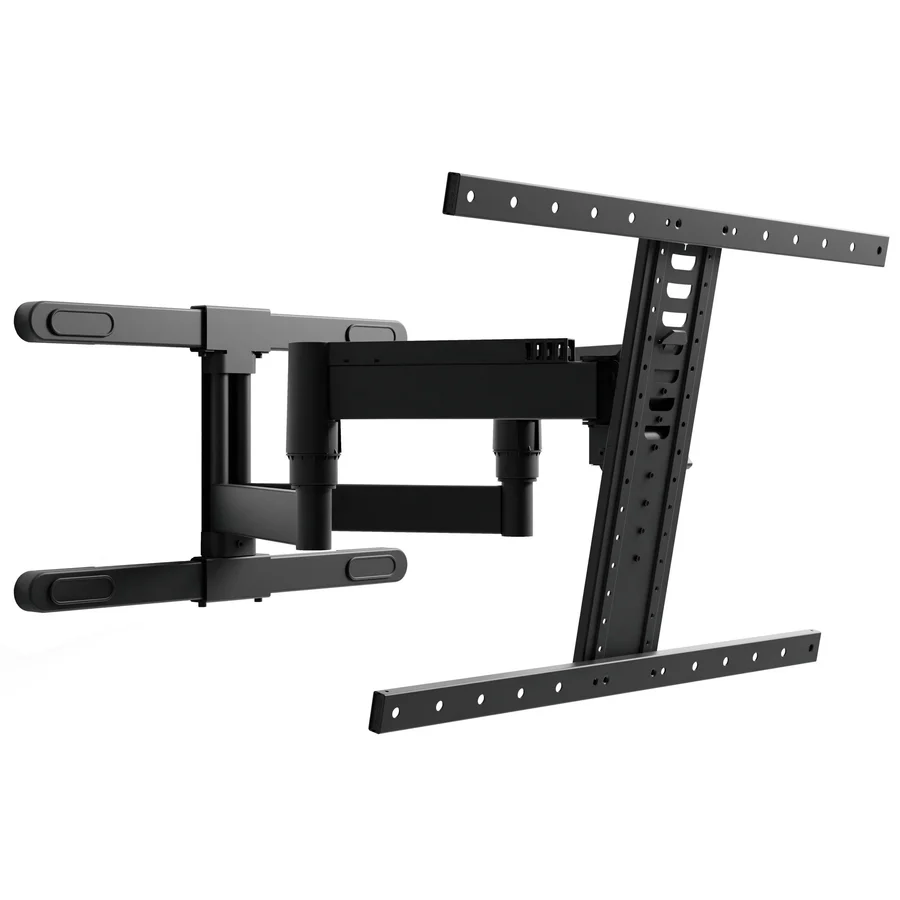

Measure the space and plan the support
Measure the available width and the cabinet depth, then compare them with the exact set's dimensions and stand footprint. Leave the ventilation clearance required by the manual.
Consider the usual seating position and whether people watch from the side. Note windows and lights that may reflect in the screen. If possible, assess a candidate under conditions that resemble your room instead of judging only a bright store demonstration.
Use our TV-weight explanation to choose the correct specification for a cabinet or mount. Screen size alone does not establish support compatibility.
Separate resolution from the rest of the picture
Consumer 4K UHD commonly describes a 3840 by 2160 pixel image. Sony's A80L specifications are one manufacturer example listing that resolution alongside separate panel, processing and HDR features.
Consider dark scenes, bright-room viewing, motion and viewing angle as separate needs. Supporting an HDR format does not by itself measure the screen's brightness or how well it reproduces a difficult scene.
Watch familiar material if you can. Check faces, subtitles and movement in a mode you would use at home. Avoid making the whole decision from a highly saturated promotional loop.
Map each connected device to a port
List your console, streaming player, receiver and soundbar. Check which inputs support the resolution, refresh rate and other features you need, including whether the sound connection occupies a port you also wanted for gaming.
HDMI's specification overview describes capabilities including 4K at 120Hz, variable refresh rate and enhanced audio return. An individual television's documentation determines which capabilities it implements and on which ports.
- Confirm native panel refresh rate separately from marketing motion terms.
- Check the exact input support for the intended gaming mode.
- Match the cable to the required signal and manufacturer guidance.
- Allow enough connections for the devices you use together.
Try the everyday controls
Check whether the apps you use are available in your region and what account or subscription they require. Read the terms for any advertised free service rather than assuming it replaces your existing subscriptions.
Try the remote, input switching and accessibility controls. If dialogue is difficult to hear in your current setup, include audio in the plan instead of spending the entire budget on panel size.
Our 4K TV guide compares the featured products. Use it to narrow the options, then verify the exact model and size on the seller's listing.
Compare the complete purchase
Include delivery, required mounting hardware and any audio equipment in the budget. Check the return window, collection arrangements and what to do if the screen arrives damaged.
Keep the packaging until you have checked the set and understand the return requirements. Test the inputs and apps you bought it for while there is time to resolve a problem. A successful picture on the first input is only the beginning of that check.
Start with dimensions, not a diagonal alone
TV size is the screen's diagonal. It does not include the cabinet width, stand footprint, packaging or room needed for ventilation. Samsung's TV size guide points buyers to the set-size dimensions in each product's specifications. Measure the wall or cabinet, the delivery route and the usual seats before choosing a screen class.
Mark a proposed outline on the wall with removable tape and view it from the places people actually sit. Comfort differs with subtitles, lower-resolution programs and individual preference. A manufacturer's distance chart is a starting suggestion, not a requirement that the household must follow. Check that a stand or mount can carry the exact set; our weight article explains why a 65-inch label alone is insufficient.
Treat 4K as one specification
Consumer 4K UHD is usually 3,840 × 2,160 pixels. That number says how many pixels the TV can display, not how bright it gets, how it handles reflections, or whether dark scenes retain detail. Panel type, backlight or self-emission, processing and picture settings all matter. LG's current picture-quality guide separates OLED and Mini LED options and warns that features vary by model and size.
Compare exact model numbers and independent measurements if picture performance is a priority. A store demo may use a vivid preset and specially prepared content. Ask to see a familiar program, including movement, faces and subtitles, in a mode similar to the one you would use at home.
Check the whole HDR and streaming path
An HDR logo on the box means the TV accepts certain formats; it does not prove a particular bright or dark scene will look good. Confirm which formats the exact TV supports, whether the app or player sends them, and whether the service tier includes the content quality you expect. A streaming service can change its plans and catalog, so review current terms before treating an advertised show as a permanent feature.
When viewing ordinary broadcast or older material, processing and upscaling also affect the result. Do not confuse an upscaled image with native 4K source material. A useful showroom test includes the kind of lower-resolution content your household actually watches, not only 4K demonstration clips.
Map gaming and audio features port by port
The HDMI specification overview describes features such as 4K at 120Hz, variable refresh rate and eARC. A manufacturer chooses which features to implement, and they may be available on different inputs. For each console or computer, record the resolution and refresh rate you want, then find the TV's supported modes and the port numbers that provide them.
Check whether a soundbar occupies the eARC port and how many suitable gaming ports remain. Match cables to the signal requirements and the manufacturers' instructions. Marketing phrases such as “motion rate” should not be mistaken for the panel's native refresh rate. If gaming is central to the purchase, verify input-lag and motion evidence for the exact set rather than relying on a broad family name.
Choose software you can live with
Smart-TV platforms differ in app selection, navigation, privacy controls, accessibility and update support. Check the apps available in your country, including any live-TV or sports service you rely on. Try changing inputs, enabling captions and finding the picture settings. The remote and menus are used every day, so they deserve a short hands-on test.
Review account and advertising settings during setup. A TV with a good panel can still be a poor fit if the household's important app is missing or a required control is hard to reach. An external streaming player may solve some software gaps, but it adds a device, cable and input to manage.
Use a final purchase checklist
- Write down the exact model, size and regional suffix.
- Check dimensions, stand footprint, weight and mounting pattern.
- Compare picture performance in conditions like your room.
- Confirm content formats, apps and service costs.
- Map every HDMI and audio feature to a specific port.
- Read delivery, warranty and return terms before ordering.
After delivery, inspect the panel and test the apps and connected devices while the return process is still clear. Keep the box until the set is installed and you understand the seller's requirements. A shortlist based on actual uses is more valuable than a long list of labels on the carton.
This article draws on the linked primary sources and practical explanations. It does not report hands-on testing or a personalized assessment.