
Find the job before choosing the gadget
Write down one recurring inconvenience. Perhaps the hallway light is hard to reach, daily crumbs gather under the dining table or family photographs stay buried on a phone. That gives you a concrete way to judge a purchase.
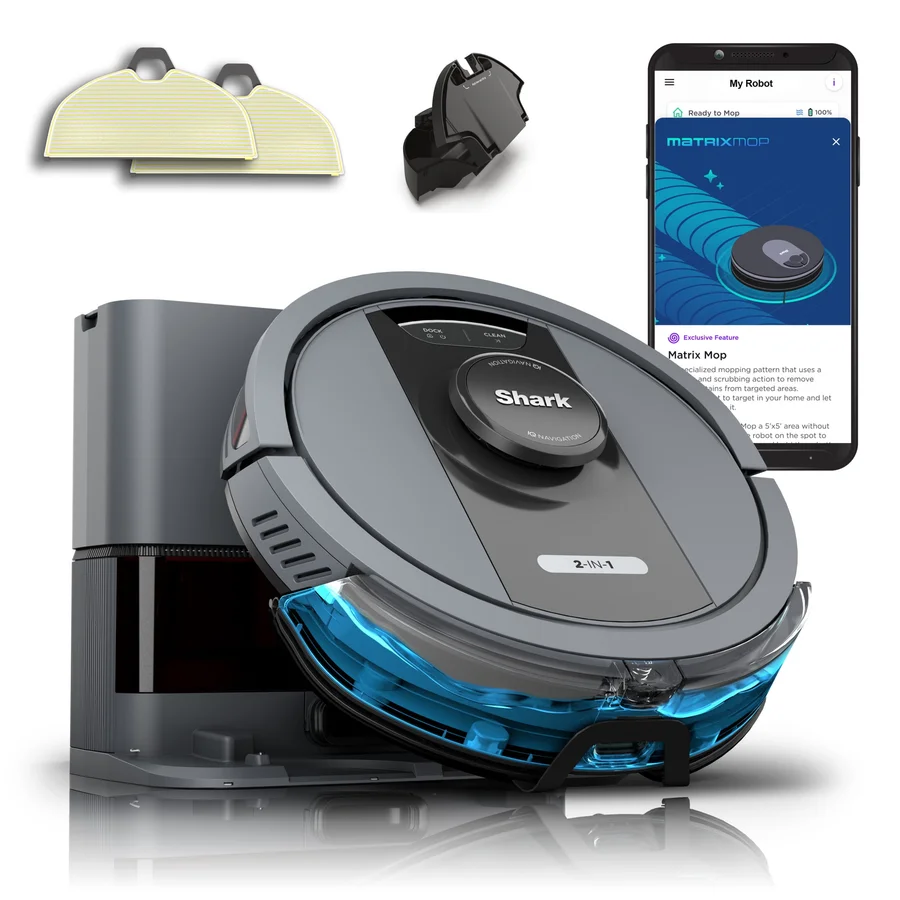
Decide what a useful improvement would look like. A robot vacuum might handle frequent light cleaning between deeper cleans. It still needs somewhere to dock and someone to empty or maintain it. A new device can move a chore rather than remove it.
Ask everyone who uses the room how they would prefer to control the device. Keep an accessible everyday option for people who do not use your phone or account.
Choose lighting that works with the room
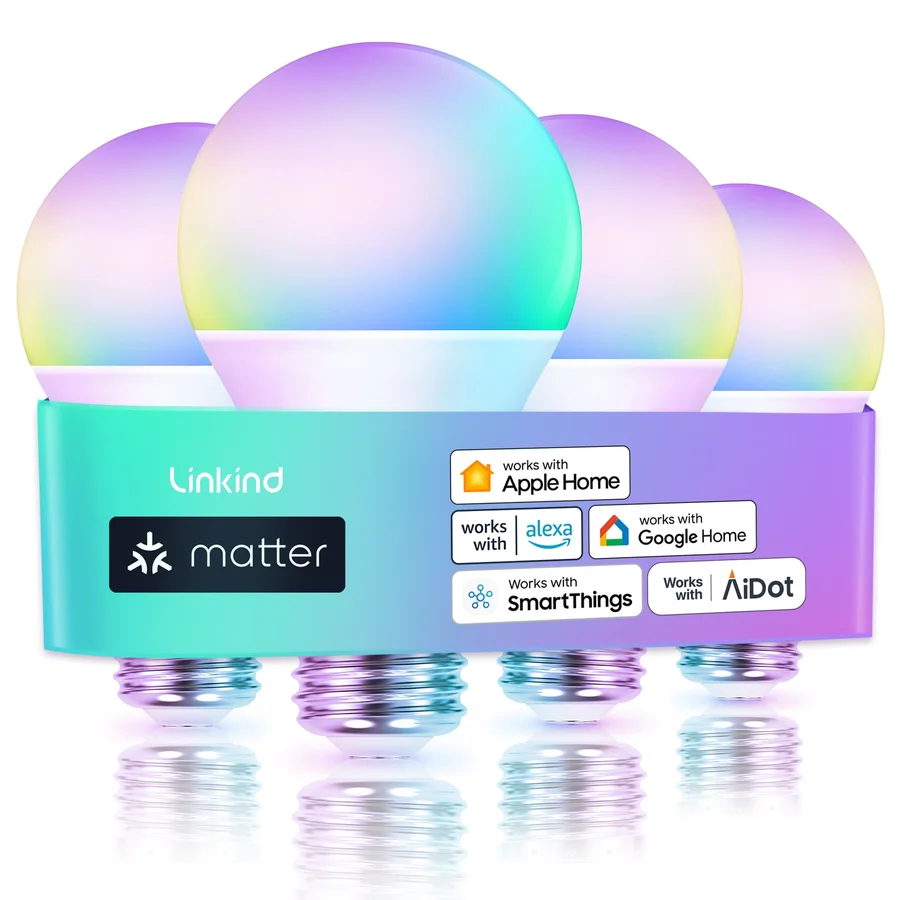
Check the socket, bulb dimensions, brightness and dimmer compatibility before considering app features. A scheduled light is helpful only if it provides the right light and remains easy to operate.
Our lighting comparison explains the featured options. Confirm the exact platform and any controller needed for the functions you want.
The Connectivity Standards Alliance's Matter FAQ describes a shared connection standard. Matter support does not mean every platform exposes every feature. Check the device, controller and intended function together, including how remote access works.
Match cleaning and display devices to the household
For a robot vacuum, measure the dock space and look at thresholds, loose cables and floor coverings. Check routine maintenance and replacement consumables. Our robot-cleaner guide separates the listed cleaning and dock features.
A digital picture frame can suit someone who wants a changing display without handling a phone. Confirm who uploads photographs, whether Wi-Fi is required and how an owner removes shared access. The photo-frame comparison includes different sharing approaches.
Do not assume a connected model is needed. A simple timer, ordinary lamp or locally loaded frame may meet the same brief with less setup.
Count the work after installation
List subscriptions, batteries, filters and cleaning parts alongside the purchase. Check which advertised functions require an account or paid plan and what remains available if you stop paying.
The FTC recommends investigating how long smart devices receive software updates. Look for a written support period and ask the manufacturer when it is unclear.
Keep setup instructions and a record of who owns the account. Before passing a device on, follow the manufacturer's process for removing personal information and account associations.
Try a small, reversible setup
Begin with one device and use it through a normal week. Check whether household members can operate it, whether notifications are helpful and whether the original inconvenience has improved.
Only expand after that experience. Buying a matching collection in advance makes it harder to distinguish a useful system from a collection of things that need charging.
Name the household task first
A useful gadget should solve a recurring inconvenience that people in the home recognize. Write down the task, who performs it and what improvement would count. A robot vacuum can reduce light daily cleaning but still needs emptying and floor preparation. A smart light can simplify a hard-to-reach switch but may complicate use for a visitor. Ask everyone who shares the room how they would operate the device. If the benefit cannot be described without repeating an advertising slogan, pause before buying. The goal is a better routine, not another app icon.
Verify the whole smart-home chain
A smart device may need a compatible controller, app, network band and account. The Connectivity Standards Alliance’s Matter FAQ explains that a Matter device still depends on a controller and that platform support can differ by feature. Check the exact device and function you want, such as dimming rather than simply on/off. Confirm whether remote control requires an internet-connected controller. Retain an ordinary way to operate essential lights or heating if the network fails. Start with one room or device and test it before expanding.
Make privacy part of the choice
A camera, voice assistant or connected display can collect information from people who did not buy it. Read the maker’s current privacy explanation, account settings and retention controls. Decide where a camera can see, who can access it and how guests will know it is present. The FTC’s connected-device guidance recommends changing defaults, securing the router and reviewing access. A device with a helpful feature may still be the wrong fit for a private space. Discuss the tradeoff with the household before installation.
Plan updates and support
A connected gadget may require firmware, app and cloud updates for years. NIST’s consumer IoT profile describes secure update capability and customer notification as important elements. Check whether the maker states a support period and how updates arrive. Keep the model number and account owner recorded. A cheap device can become costly if its app disappears or replacement parts are unavailable. Compare maintenance and support with the purchase price, especially for a gadget that controls a daily routine.
Check physical fit and power
Measure a robot cleaner’s dock space, thresholds and cable obstacles. For a lamp or sensor, verify socket, voltage, mounting surface and the available outlet. Keep heat-producing appliances and their cords within the maker’s instructions. A tidy photograph can conceal a power strip or cable run that will be awkward or unsafe in a real room. Test where the item will live before ordering. If the installation changes household wiring, use a qualified professional. Good software cannot compensate for a device that does not physically fit or is difficult to maintain.
Consider accessible control
A device should remain usable for family members with different phones, abilities and comfort with apps. Check physical buttons, voice controls, screen-reader support and whether a guest can use it without a personal account. Do not make a basic light or lock dependent on one person’s phone if others need it. Test the setup when the internet is unavailable if local operation matters. A more sophisticated automation may be less useful than a simple switch everyone understands. Choose controls around the people who share the space, not only around the person who installed the gadget.
Review total cost and exit
Add subscriptions, consumables, replacement batteries and support needs to the purchase price. Check how to export data, unlink accounts and reset the device before selling or recycling it. The FTC’s shopping guide recommends reviewing seller and return terms. Keep proof of purchase and install updates through official channels. After a month, ask whether the device improved the original task. If not, adjust the routine or return it within the applicable window. A home gadget earns its place by being reliable, safe and welcome in the room.
Try one device before a whole system
Pick one modest, reversible use case and run it through an ordinary week. Note setup time, failures, who could use it and whether the promised benefit appeared. If a scheduled light helps, you can expand with a clear reason. If it annoys people or requires frequent repair, solve that before adding more devices. Keep the receipt and configuration notes. A staged approach makes compatibility problems easier to identify and limits the number of accounts or apps you create. The most impressive system is not necessarily the one that serves the household best.
This article draws on the linked primary sources and practical explanations. It does not report hands-on testing or a personalized assessment.