Know which product you are considering
Roku's TV overview describes televisions with the streaming platform built in, including Roku-branded models and partner televisions. You do not need a separate Roku player simply to obtain that built-in interface.
An external player adds a streaming interface to an existing compatible television. If the picture and inputs on your current TV still suit you, investigate that route before deciding that the whole screen needs replacing.
Keep the exact television or player model in your notes. The Roku name alone does not specify the panel, resolution, connections or included remote.
Separate activation from entertainment costs
Roku's activation instructions state that activation and creating a Roku account are free. Follow the official on-screen setup and be cautious of a website or caller demanding a mandatory activation fee.
That does not make every program free. Some services include advertising, while others require their own subscriptions, rentals or purchases. Check the app and content you want before changing an existing television package.
List ongoing costs separately from the device price. Review where each subscription is billed and how it is canceled so you do not accidentally pay for overlapping access.
Check connection and everyday use
Streaming needs an internet connection. Confirm Wi-Fi coverage at the television and whether the exact model offers Ethernet if you prefer a wired connection.
A Roku TV can also serve as a display for supported external sources. Read the model's input specifications for a console, cable box or other device you plan to connect. App availability and features can differ by region.
Try the remote layout, input switching and accessibility options if possible. Our smart-TV comparison helps organize the broader purchase, while the phone-to-TV article explains why casting and mirroring need separate compatibility checks.
Judge picture quality by the exact television
A familiar home screen does not tell you how a panel handles reflections, dark scenes or motion. Compare the specific size and model with your room and viewing habits.
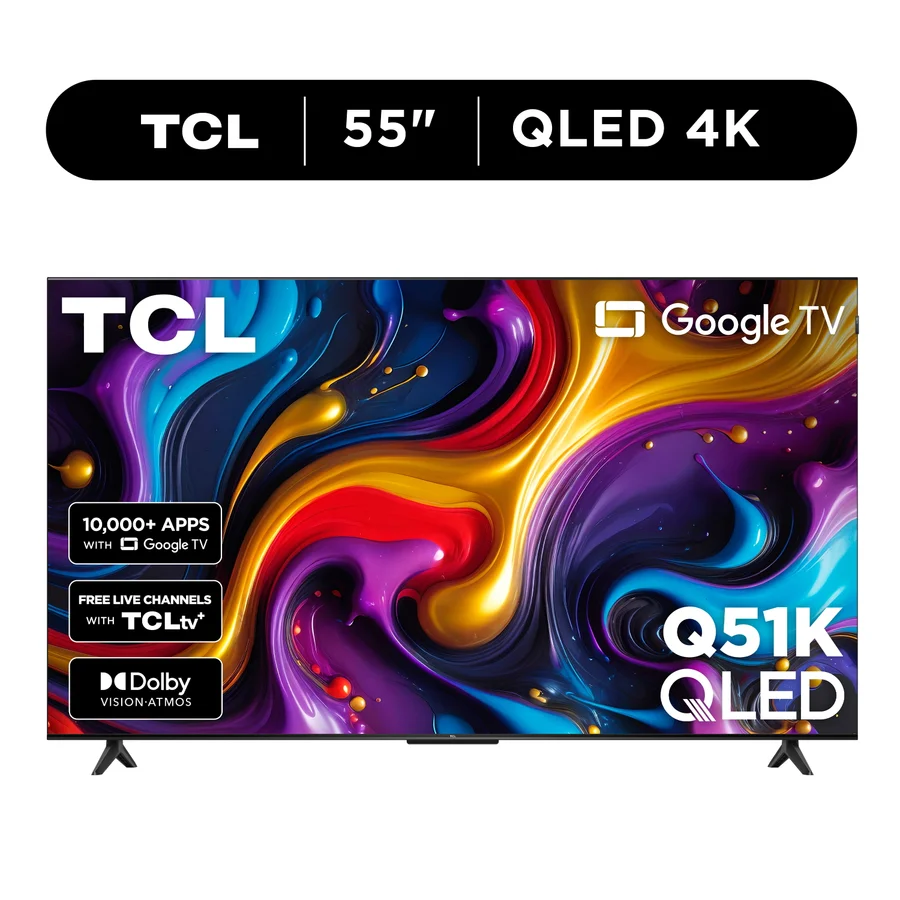
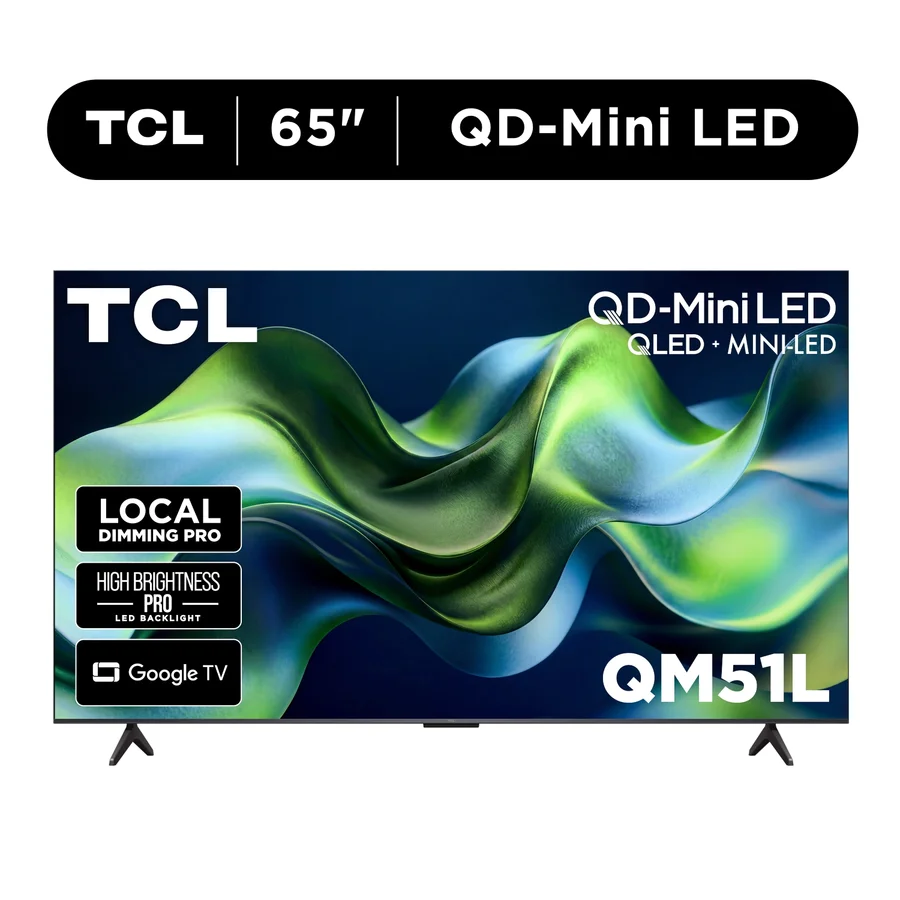
Our TCL comparison includes models whose platform details should be checked individually. Do not assume every television from a particular manufacturer uses Roku.
If you are buying 4K hardware, check the complete path from content service to device and display. A resolution label on one part of the setup does not establish that every program will arrive in that format.
Set up the account for the household
Use an account you control, protect its sign-in details and review purchase restrictions before sharing the remote. Check privacy and advertising preferences in the current settings.
Keep the model number and support information with the receipt. Before giving away a player or television, follow its official instructions for unlinking the account and removing personal settings.
Identify the television and its maker
Roku sells its own branded televisions and licenses the Roku TV system to partner manufacturers. The software interface may look familiar across both, but the panel, speakers, stand, inputs and warranty depend on the exact set. Roku's identification guide explains how to find the model and TV-maker support information under Settings, System, About. Use that information when comparing specifications or asking for service.
Do not assume a TV made by a brand that once sold Roku models still uses Roku in its current range. Check the listing and on-screen operating system for the specific model and region. Likewise, a television with a separate Roku player connected to HDMI is not a Roku TV; the player's software and the display hardware can have different support paths.
Separate a free account from paid content
Roku says activation and account creation do not carry a mandatory activation charge. A request to pay a third party to “unlock” a new device is a reason to stop and return to Roku's official instructions. The account itself is distinct from optional paid channels, rentals and subscriptions. Check the service's terms before pressing a purchase button.
Write down which subscriptions are billed by Roku, an app provider or a television service. That determines where to manage them later. A free trial may convert to a paid plan, and a household may already have access through another provider. A new TV does not automatically cancel any old plan.
Know what an internet connection changes
Roku's connection guidance says streaming and updates need an internet connection. Some TV functions, including connected HDMI, cable or antenna viewing, can still work offline. The exact features available without activation or internet should be checked for the model before relying on an offline setup.
When the set is online, Roku says its devices check for software updates during setup and regularly thereafter. You can also check manually from Settings, System, Software update. See Roku's update instructions. A TV kept offline may require a manual update path; the availability and process depend on its model. Keeping software current matters for app compatibility as well as security fixes.
Compare a Roku TV with an external player
If you already own a television with a good picture and the inputs you need, an external Roku player may be the smaller purchase. It connects to an available HDMI input and adds Roku streaming without replacing the screen. Check the player's video and audio output against the TV, soundbar and receiver you own. The chain is limited by the least capable part and the actual content service.
A Roku TV puts the interface, inputs and TV controls into one device. That can simplify everyday switching, but it also means choosing a complete television, not just software. Compare screen brightness, viewing angle, motion, connection layout, physical dimensions and support terms. A streaming platform is one selection criterion among many.
Review privacy settings during setup
A smart TV may collect information about viewing and use it for recommendations or advertising. Roku's Smart TV Experience guidance describes Automatic Content Recognition and how to change that setting. Read the current explanation on your model before opting in; consider how other household members use the television and which connected devices might be recognized.
Also review purchase controls, account sign-in and the permissions of individual apps. If you share the remote with children or guests, decide who can buy or add services. Before selling or giving away the television, follow Roku's official unlinking and factory-reset procedure, then check that the device no longer appears in your account.
Use a first-day setup checklist
- Confirm the exact TV model, manufacturer and support route.
- Check the stand, power, inputs and network connection before placing the set permanently.
- Activate only through Roku's official steps and record who controls the account.
- Update the TV and install only the apps the household will use.
- Review purchases, privacy settings and accessibility options.
- Test each external device and the intended audio route.
Keep the receipt and model number. If a wanted app or feature is missing, check current regional support before buying more hardware. A Roku TV can be convenient, but the right choice still depends on the whole display and the services you actually watch.
This article draws on the linked primary sources and practical explanations. It does not report hands-on testing or a personalized assessment.